
DataBars Product Introduction
DataBars is a powerful cross-platform database query tool that offers two solutions: a personal version (client) and an enterprise version (Web deployment). It supports comprehensive connections to various data sources, including relational databases (such as MySQL, PostgreSQL), non-relational databases (such as MongoDB), time-series databases (such as InfluxDB), graph databases (such as Neo4j), and can integrate key data services such as message queues (such as Kafka) to achieve unified data management and query operations.
The DataBars personal version (local client) and enterprise version (Web deployment) cover both ends, providing a one-stop solution for multi-source data management needs and offering users an efficient and convenient data operation experience.
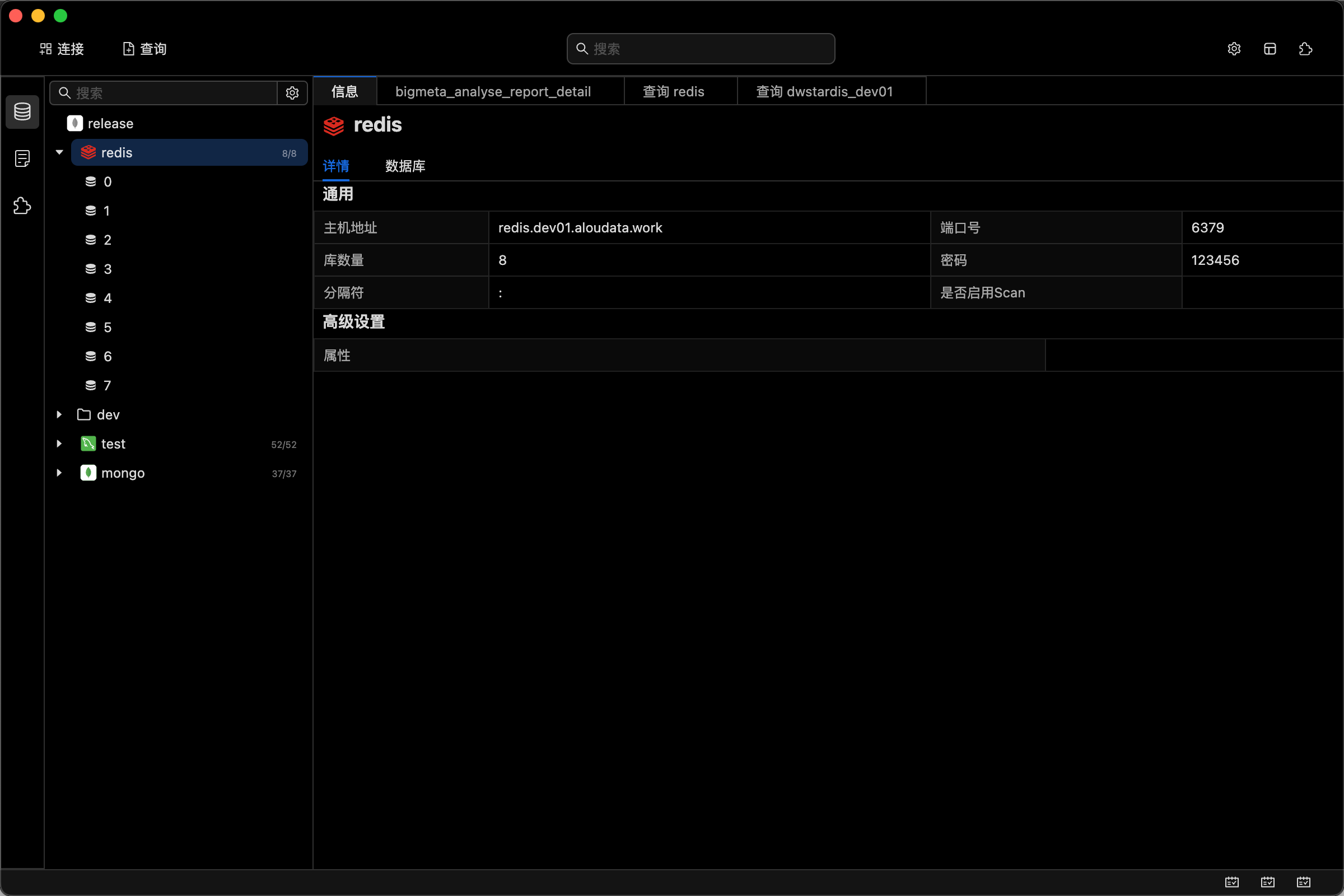
Data Source Management
In DataBars, users can create multiple data source links, each corresponding to a specific data source. Through data source link configuration, users can connect and interact with different data sources.
Create Data Source Links
Users can create data source links by clicking the Connect button, easily configuring connection parameters for various data sources.
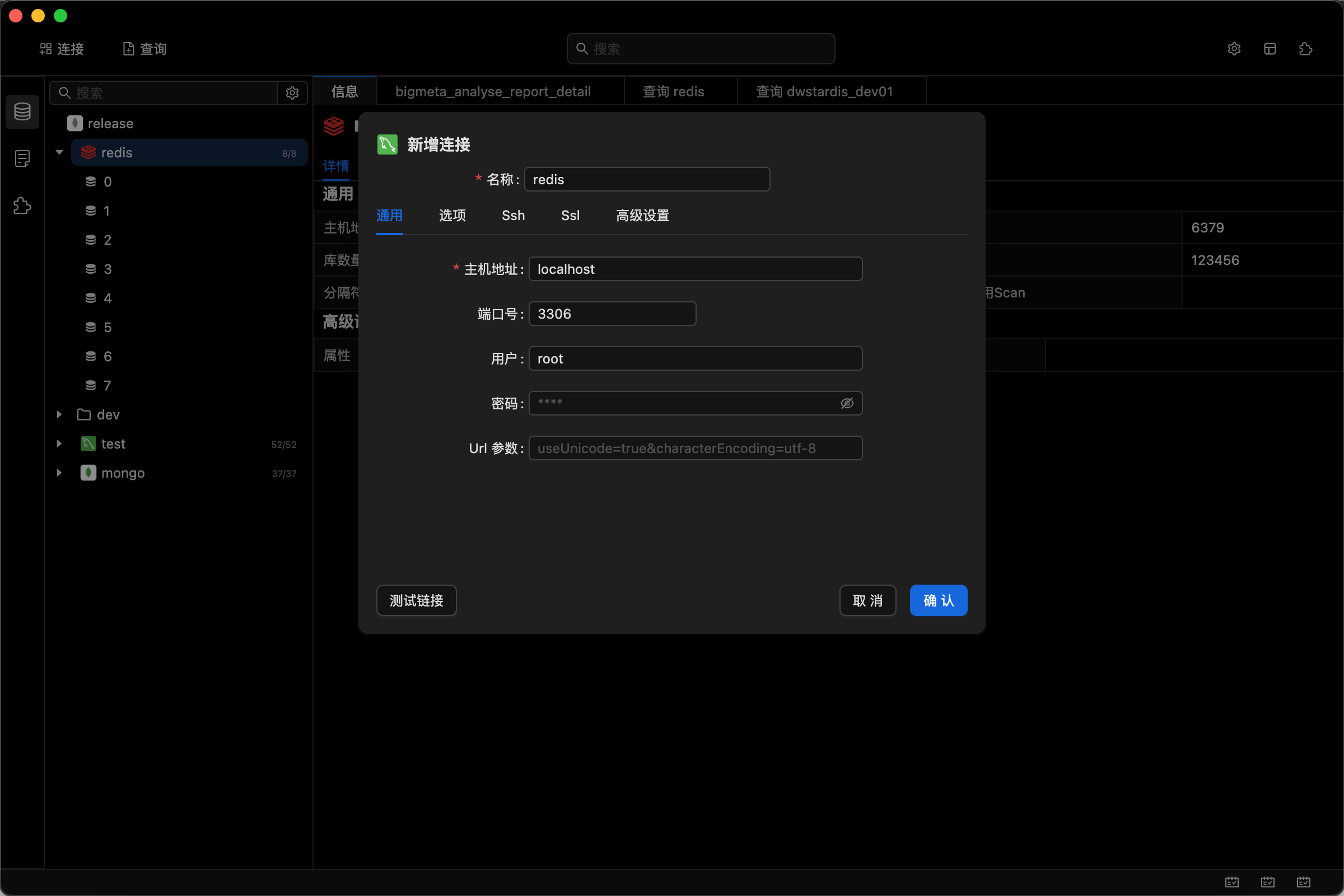
List of Supported Data Sources
View Data Source Links
User-created data source links are displayed on the left panel, supporting the organization and classification of data sources in the form of tree-like folders, making it easy for users to quickly locate and manage different data sources.
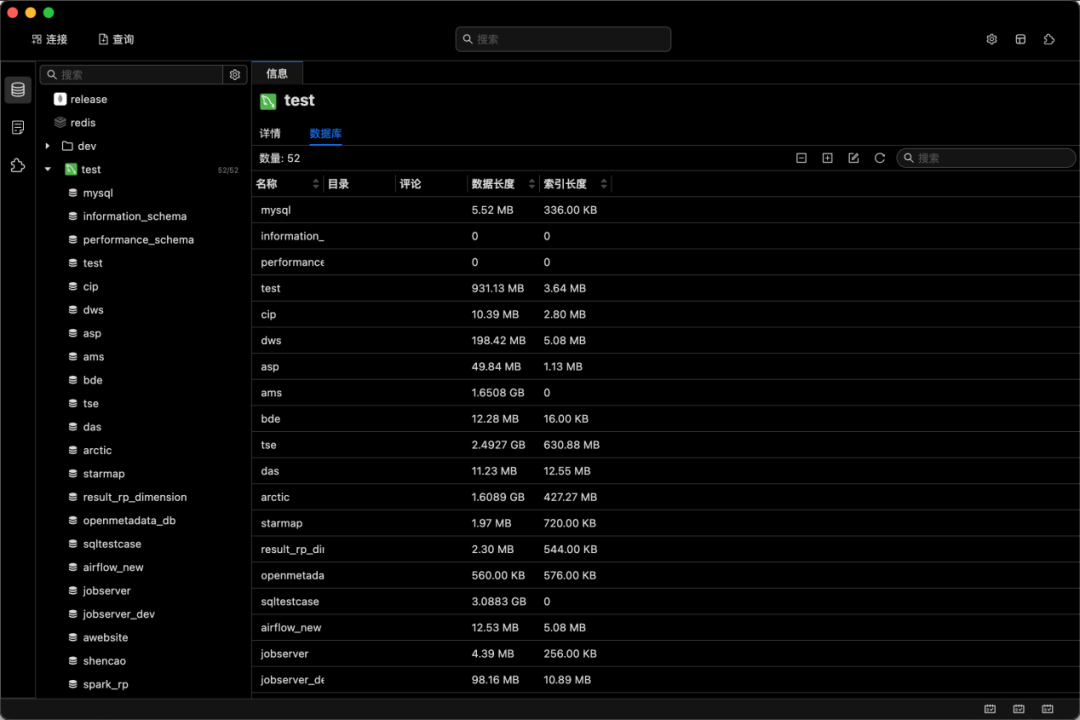
Data Source Link Details
After clicking on a data source link, the left information page will display detailed information about the data source link, helping users quickly view the configuration parameters and status of the data source.
Data Source Management Operations
By right-clicking on a data source link, users can perform various management operations on the created data source links, such as modifying link configurations, testing connection status, refreshing link caches, etc., to ensure the stability and reliability of data source connections.
Query Functions
DataBars provides two data source query methods to meet users' query needs in different scenarios:
1. Browsing Through Data Source Links
Through the data source panel, users can intuitively browse data sources, databases, and table structures. Different objects display corresponding content based on their properties:
- Data Source: Displays basic information about the data source in the Information Tab
- Database: Displays basic information about the database in the Information Tab, including table lists
- Table: Displays table structure information and allows querying table data in the Information Tab
2. Querying Through Script Languages
For almost all data source links, users can write SQL statements or scripts in specific languages on the query interface, such as:
- SQL statements for relational databases like MySQL and PostgreSQL
- Lua language for Redis
- Aggregation framework statements for MongoDB
- Flux statements for InfluxDB
- Cypher statements for Neo4j
DataBars automatically identifies and executes corresponding query operations based on the user's operation type, providing users with a unified query experience.
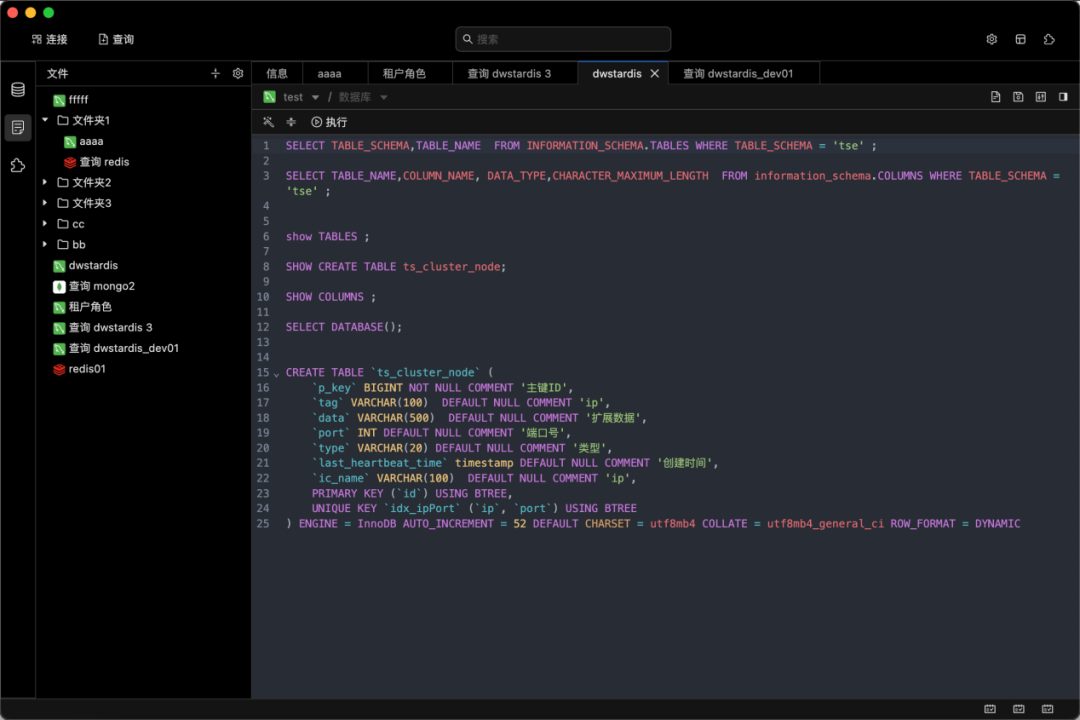
3.Create New Query
Users can quickly create new query operations by clicking the Query button, starting to write and execute query statements.
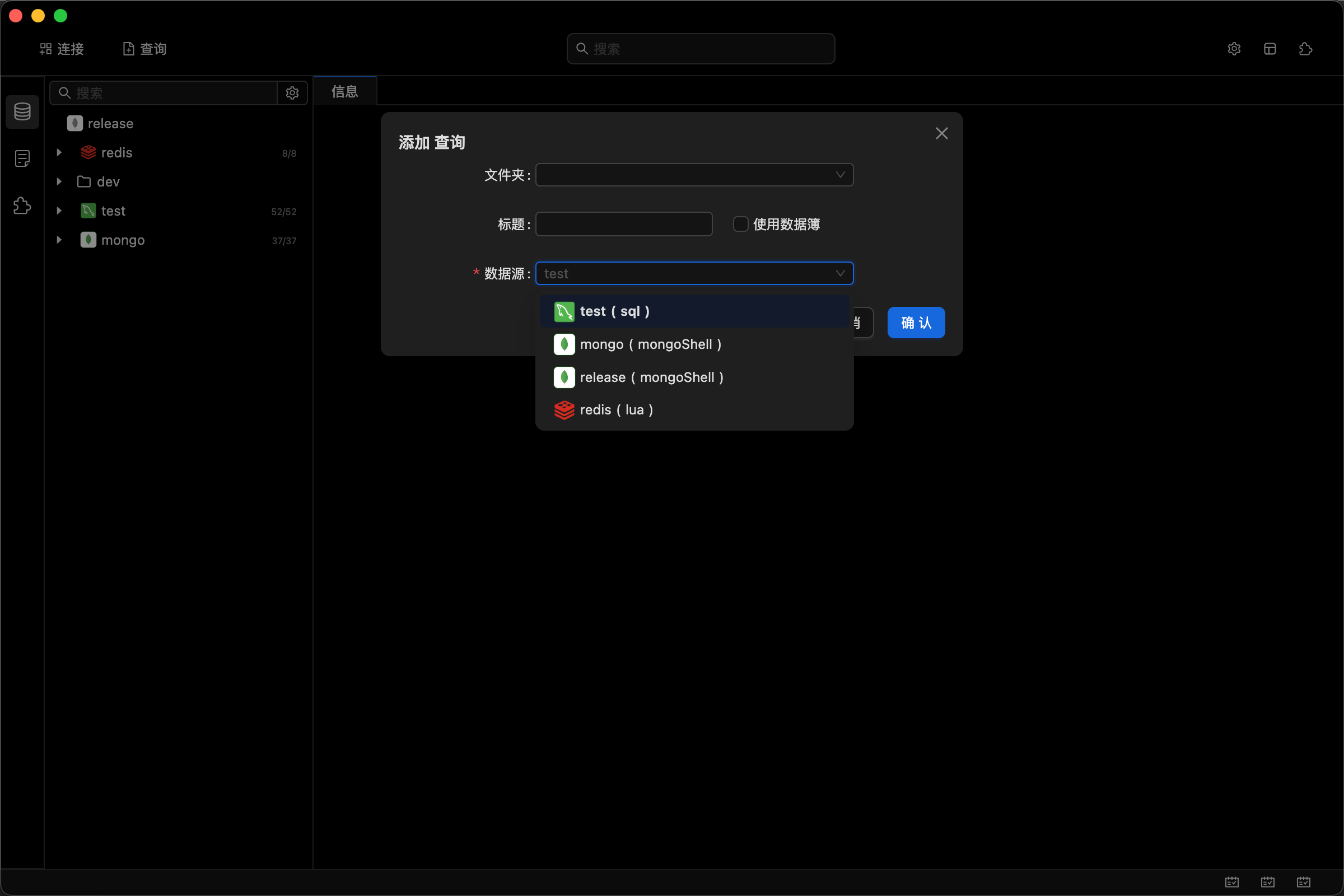
4.Query Management
Queries created by users are displayed in the tree-shaped panel on the left for queries, organized in a tree-like folder structure, making it easy for users to manage and find historical queries.
5.Query Operations
Users can perform various operations on queries through the right-click menu, such as editing, copying, deleting, etc., to flexibly manage query resources.